Organize by function
Use albums for mehendi, sangeet, ceremony, portraits and reception so guests can browse with context.
 FhotozCreate an event
A wedding gallery should make delivery easier for the photographer and finding photos easier for every guest. Here is a simple workflow from upload to guest link.
 Fhotoz / Wedding sharing guide
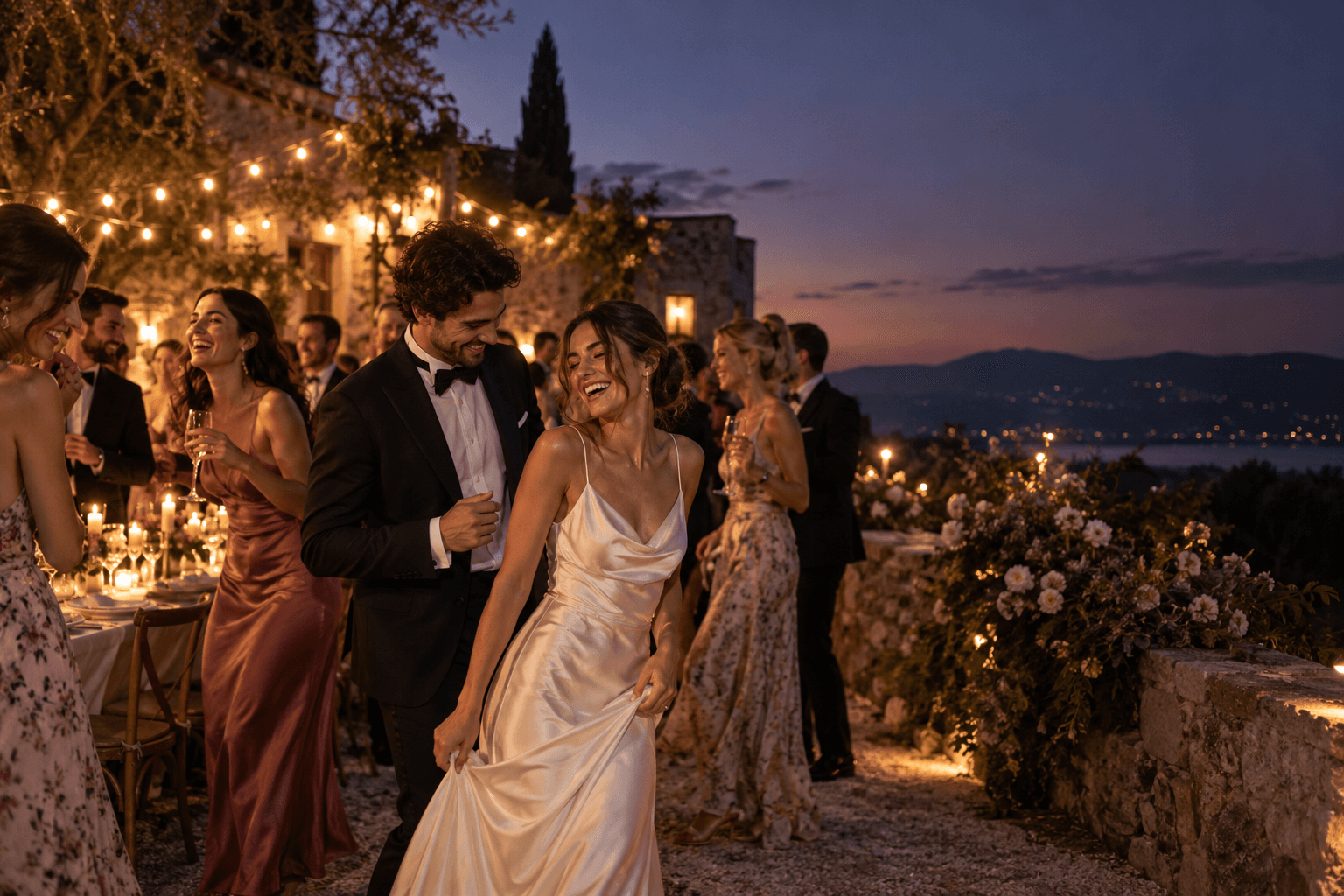
A large wedding collection often includes mehendi, sangeet, ceremony, portraits and reception photos. Grouping those moments into albums gives guests a clear starting point instead of one long folder or a trail of chat attachments.
See the event workflowUse albums for mehendi, sangeet, ceremony, portraits and reception so guests can browse with context.
Send one private event link instead of forwarding separate folders to different groups.
When enabled, Find My Photos lets a guest use a selfie to reach matching moments.
The details change with every event, but the handoff stays easy to understand.
Add the wedding details and prepare the gallery destination before sharing it with guests.
Separate the functions or parts of the day so the collection is easy to scan on a phone.
Give the couple and guests one place to browse, search and download according to the event settings.
The best wedding photo sharing workflow does not ask every guest to understand file storage. It gives them a clear gallery, useful albums and an optional route to their own photos.
Create one private event gallery, organize the wedding into albums and share the event link. Guests can browse the albums and use Find My Photos when the organizer enables it.
Usually, yes. Albums for functions such as mehendi, sangeet, ceremony, portraits and reception make a large gallery easier to navigate.
When face search is enabled, a guest can submit a selfie and receive matching photos from that event.
No. Guests use the shared event access flow in their browser. The organizer controls the event's gallery and download settings.